Export
The screen for exporting a backup of your materials and formulas to files. Materials come as CSV; formulas and the accord library come as JSON, including the contents of each version.
What it does#
Export turns a backup of the ledger into files. Open it from “Export” at the bottom of the sidebar. Files are built from the ledger at the moment you press the button, so they hold the latest state.
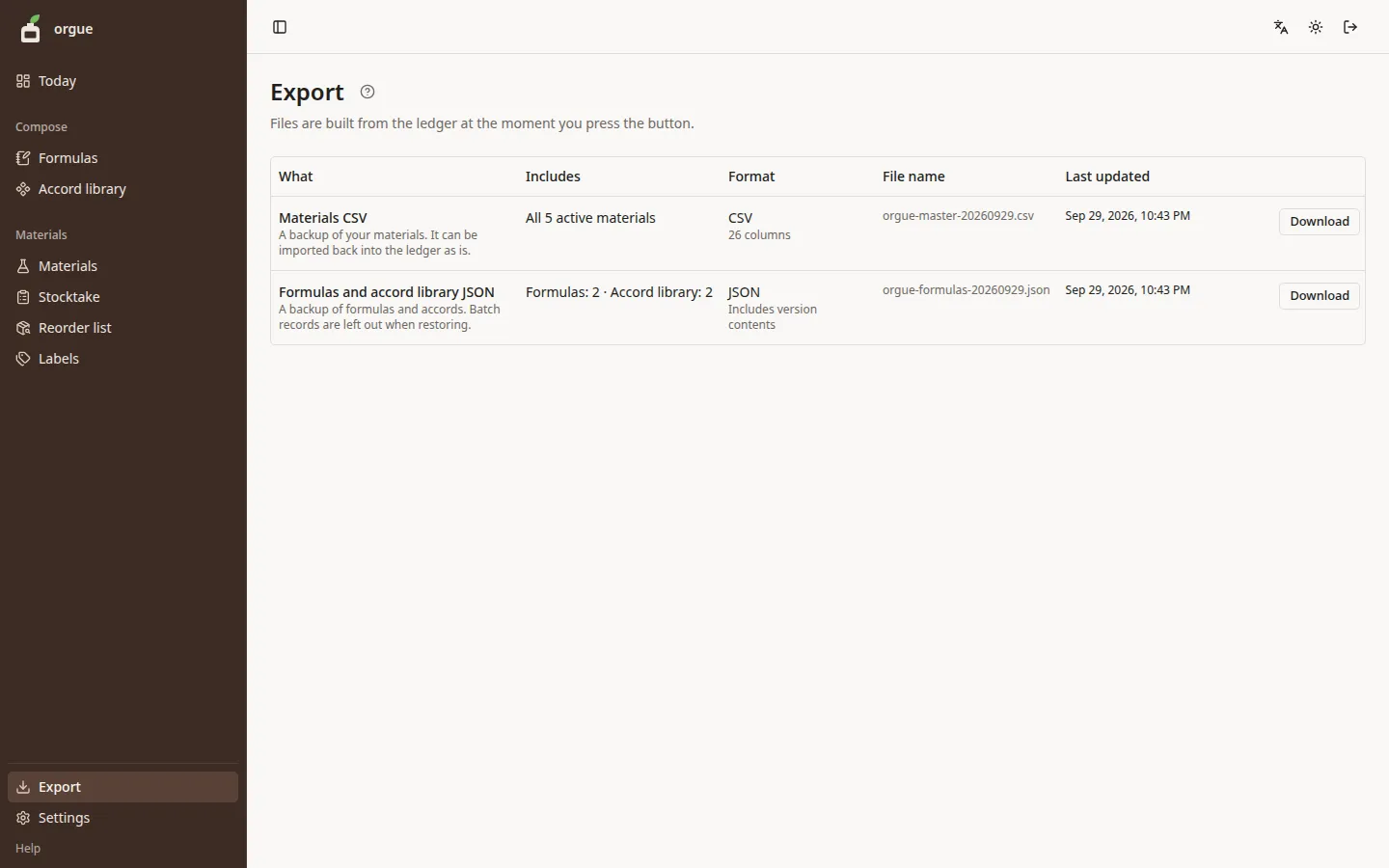
| What | Includes | Format |
|---|---|---|
| Materials CSV | All active materials, in 26 columns that open in a spreadsheet | CSV |
| Formulas and accord library JSON | Formulas and library accords, including version contents and batch records | JSON |
Steps#
- Press “Download” on the row for the file you want
- A file downloads with today's date in its name (for example,
orgue-master-20260926.csv)
Common snags#
- The CSV opens in Excel as it is (it is written in a form that doesn't garble characters)
- Materials you've deactivated and formulas you've deleted are not included
- The formulas and accord library JSON is a backup of formulas and accords. When you restore it to the ledger, batch records are left out